Hytale Worldgen Versions Explained
Which Hytale version your world came from, why the same seed can generate a different world, and which map page to open.
Updated 22 October 2026 · 6 min read
Use the version the world was created on
A seed only makes sense for the version that generated it. Hytale is in early access and world generation has changed between releases. The same number on a different version can give a different world, including different structures, even though both maps look plausible.
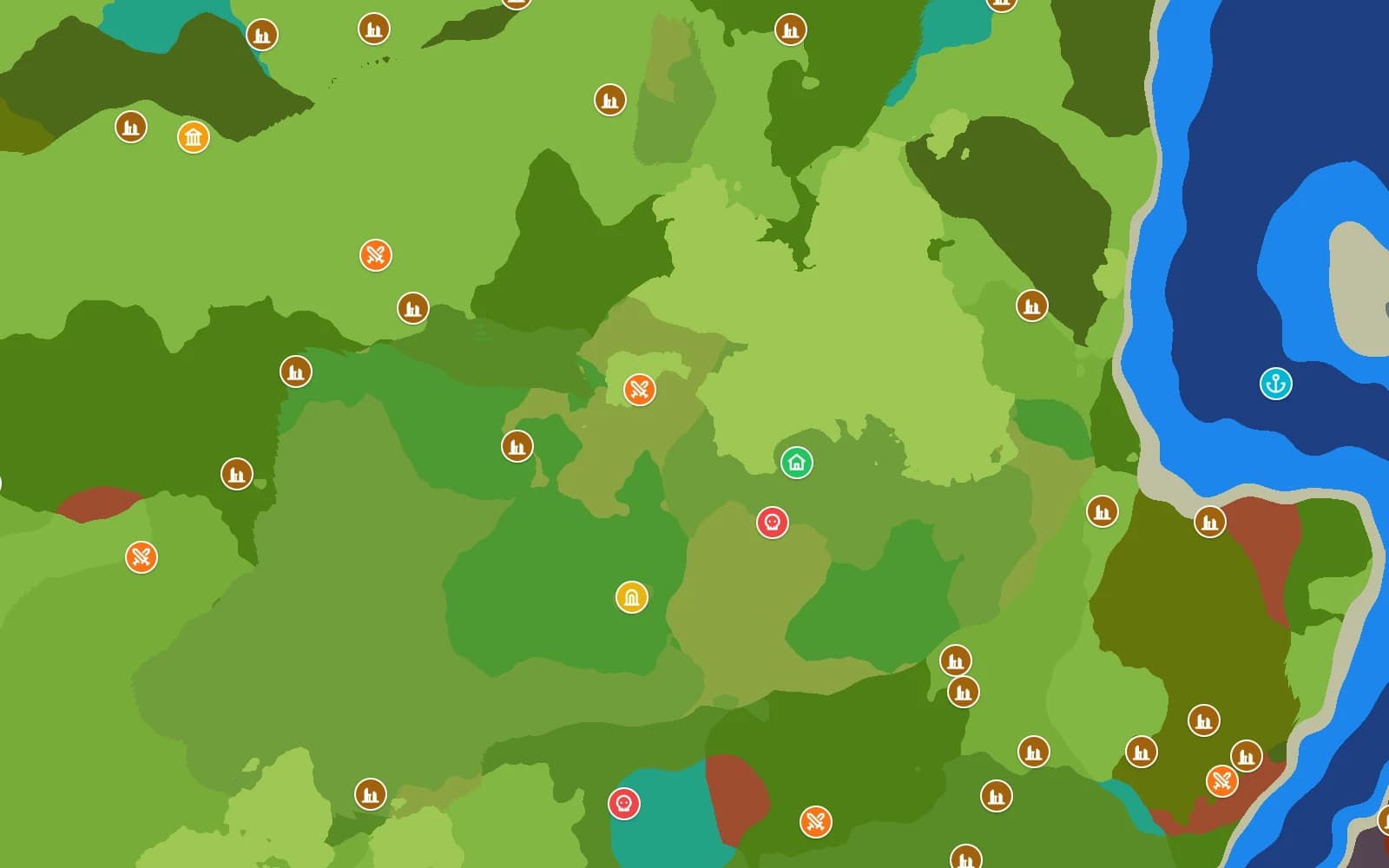
OrbisSeeds keeps a map for each version family. Pick the one your world was made on and you see the world you actually have. The version stays in the address, so a shared seed does not quietly turn into a different world later.
The version families on this site
| Version | Status | Which worlds it covers |
|---|---|---|
| 0.7.x | Current release family | The newest world generation. Use this for a world created on a current client or server. |
| 0.6.x | Older release family | Use this for a world created on 0.6. Its prefab list is not identical to newer versions, so use the page that matches the world. |
| 0.5.x | Older release family | Use this for a world created on 0.5. Terrain and structures can differ from newer versions. |
| 0.4.x | Oldest release family | Use this for a world created on 0.4. Its prefab list differs from 0.5, so structures can differ even though the terrain matches 0.5. |
What changed between versions
World generation and prefab lists changed across the early families, so terrain and structures can differ even when the zone and biome at a point look the same. That is why each version has its own page.
Custom and modded worlds
The map follows the vanilla default generator. Hytale's newer v2 generator is not supported yet; it will be added only if it becomes the default. If a server uses v2, custom or modded world generation, check the server's world generation settings before blaming the seed.
When a new generator becomes the vanilla default, its map page will be added. Until then, do not assume a newer game version is the right choice for an older world.
Pick the right version
- Check the version the world was created on, or the server's version.
- Pick that family, not just the newest page.
- Compare a known landmark: the spawn position, the temple portal or a distinctive biome at a coordinate.
- If it still does not match, read the mismatch guide before regenerating anything.
Why the map works without the game running
The map recreates Hytale's world generation for each version instead of guessing from screenshots. So the same seed and version give the same spawn, biomes and structures here as in game. The about page covers what the map can and cannot show.
FAQ
- Can I open a 0.6 seed on the 0.7 map?
- You can enter it, but it may not match. For a 0.6 world, use the 0.6 page.
- Will my world change when Hytale updates?
- Terrain that has already generated stays as it is; new terrain uses the new generation. Keep the version with a shared seed for that reason.
- Why is 0.4 a separate page?
- Its prefab list is different from 0.5, so structures can differ. A separate page keeps the right list for a 0.4 world and a stable address.