Hytale Seed Not Working? Fix the Mismatch
Work out why a Hytale seed looks different: wrong version, an edit that did not stick, or a world that already generated.
Updated 22 October 2026 · 6 min read
Start with the version
Most seed mismatches are not about the seed. They are about the version. Hytale changes world generation between releases, so the same number on a different version is a different world. If the world was created on 0.6.x, open it on the 0.6 map; if it was created on 0.7.x, use the current map.
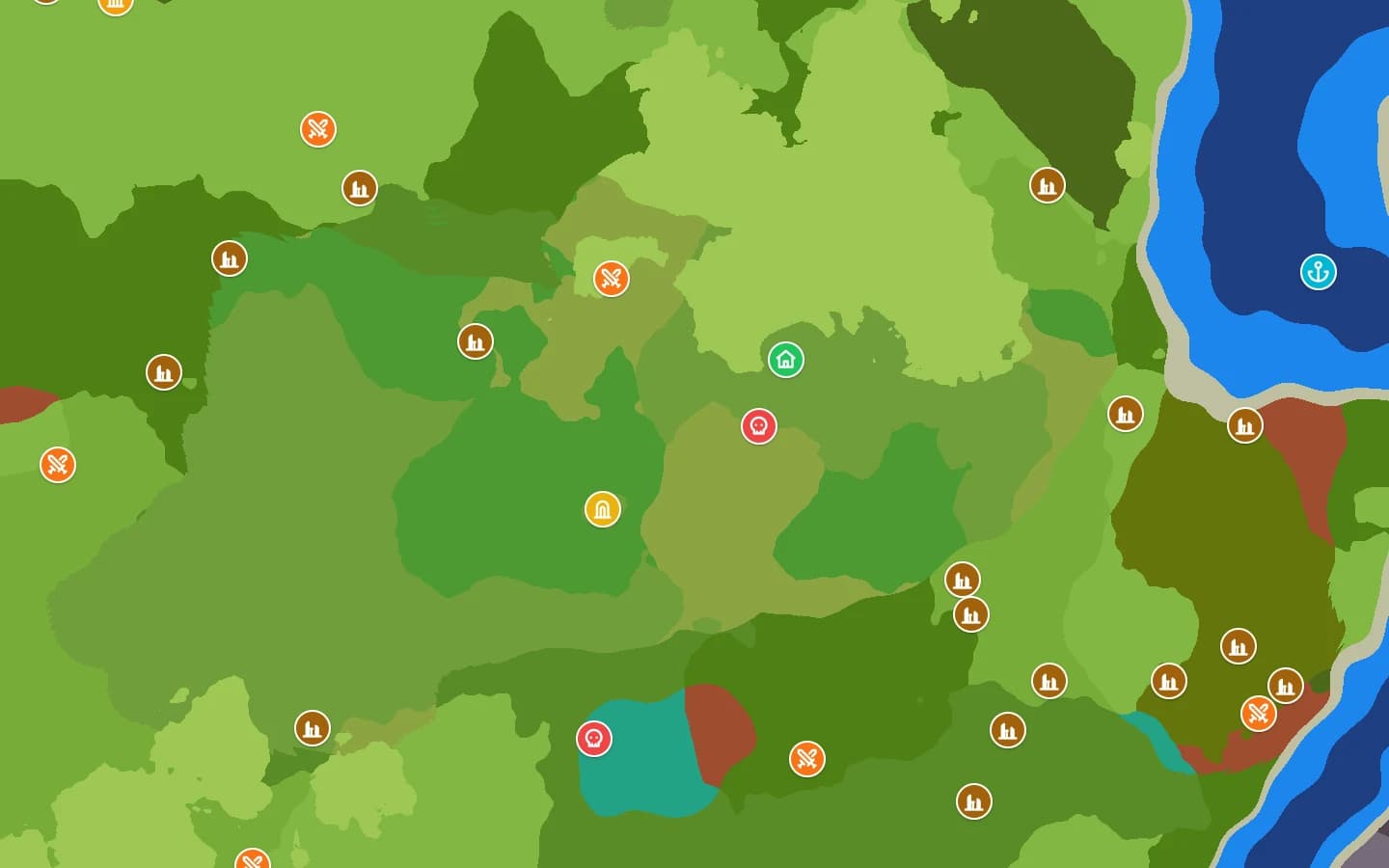
If you do not know the version, try the current one first, then the older families. A distinctive spawn, the temple portal or a familiar biome is a better check than a rough “looks similar”.
Quick checks
| Check | What to do |
|---|---|
| Version | Use the game version the world was created on, not simply the newest one. |
| Seed value | Paste the full decimal number, including a minus sign. No spaces or quotes. |
| Long seed | Hytale ignores the top of a very long seed. Two different-looking numbers can be the same world. |
| Generated already | Changing the seed does not rewrite existing terrain. Make a new world. |
| Server stopped | Edit config.json while the server is stopped, or the server may overwrite it. |
| Generator | Modded or custom world generation will not match the stock seed map. |
Why two seed numbers can give the same world
Hytale only uses part of a very long seed. Numbers that differ near the top can therefore build the same terrain, which usually happens when you compare a number from the mod with one from a config file. Both can be correct. Do not drop digits or convert anything by hand; paste the number as you found it.
Negative numbers are valid too. Keep the minus sign.
The seed was changed but nothing happened
A seed only applies when terrain generates. Editing the Seed value on a world that already has terrain does not rewrite it. You may see the new seed past the edge of the generated area while the old spawn and builds stay exactly where they were.
To truly reseed, the world has to generate again. That means deleting the chunks folder, which also deletes builds and progress. Make a new world instead. The seed setup guide walks through the safe order.
The server ignored the config edit
Stop the server before editing config.json. A running server holds its own copy of the configuration and can write it back over your change. After starting, read the value again to confirm it stuck. If the server has multiple worlds, make sure you edited the right universe/worlds/<world>/config.json.
Modded or custom world generation
The map follows the vanilla default world generation for each version. If a server uses custom world generation, a modded worldgen graph or a different asset set, the same seed will not produce the same world. The map is still useful for the stock world, but it is not a preview of the modded one.
Hytale's newer v2 generator is not supported yet. It will be added only if and when it becomes the vanilla default.
The map looks wrong but the game looks right
Check the version and the seed one more time, then compare a specific coordinate rather than the spawn area. If the zone or biome at that coordinate is wrong, report the seed, version and coordinate on Discord. A reproducible mismatch is useful; “it looks different” is hard to check.
FAQ
- Why does the same seed give a different world on my friend's server?
- A different game version, different world generation or a different world config.
- The map says the seed is invalid. What now?
- A seed must be a whole number. Remove spaces, quotes and separators, and check for a stray character from the copy.