How to Set or Change a Hytale World Seed
Put a seed into a new Hytale world, edit a server config without losing it, and avoid wiping the world you already have.
Updated 22 October 2026 · 6 min read
A seed only matters before the world generates
Changing the seed of an existing world does not rebuild the terrain you have already visited. To start over properly you have to delete the generated terrain, which also deletes builds, chests and progress. Make a new world instead, and back up the world folder before you touch any config.
Set a seed for a new world
The safe time to choose a seed is before the first generation. Hytale does not have a seed box in the world creation screen in the versions this site covers, so on a server you set it in the world's config.
The seed is a top-level Seed value in this file:
universe/worlds/<world-name>/config.json- Stop the server from the panel. A running server can overwrite config edits.
- Back up the whole world folder, not just the config file.
- Open the world's
config.json. - Set the top-level
Seedvalue to the number you want. Keep it a bare number, with no quotes. - Save the file and start the server. The seed applies as the world generates.
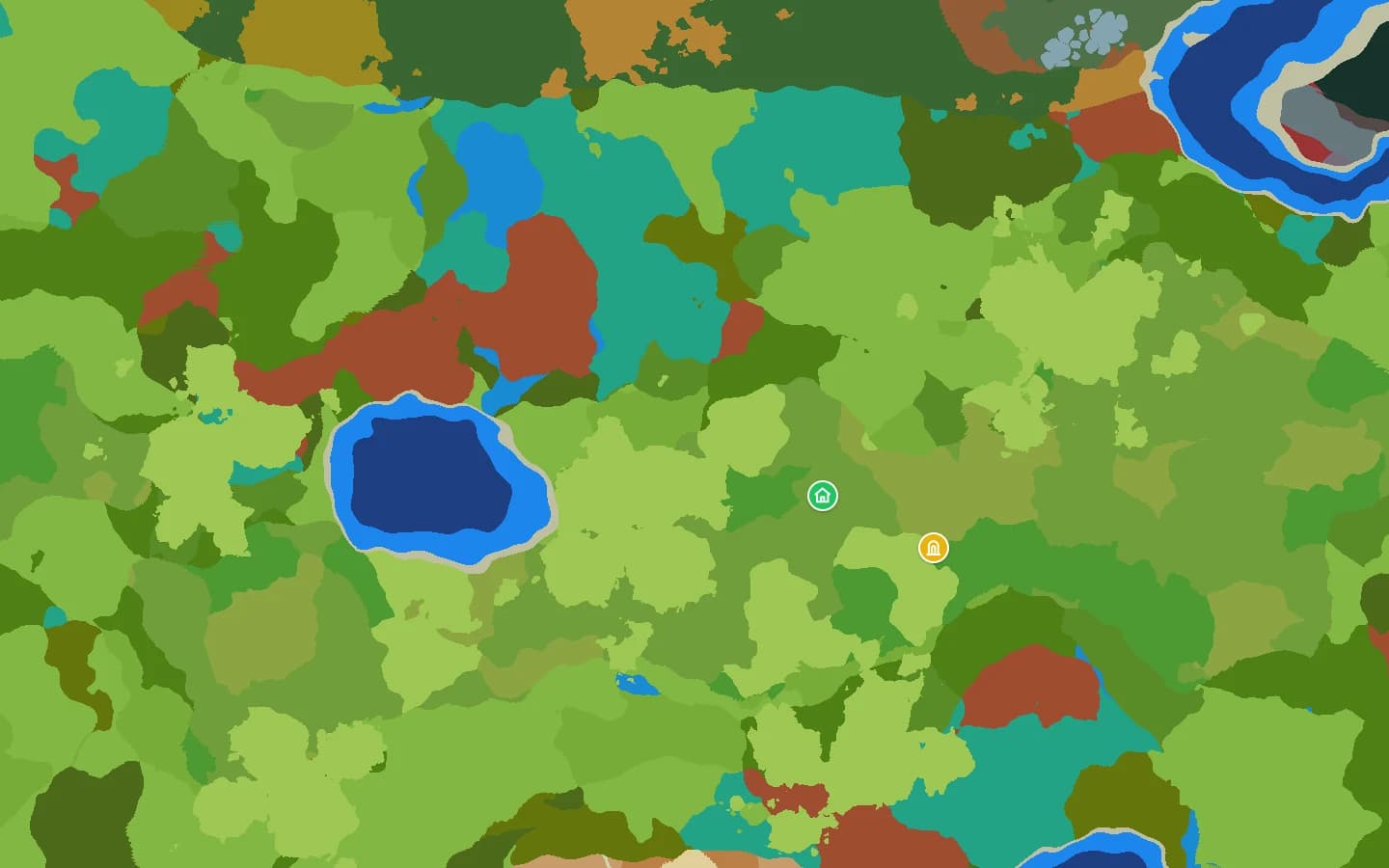
- Open the seed map on the same game version to see what you are about to generate.
The default world is often called default, but a server can have several worlds. Make sure you edited the right one. Leave the Generator value alone unless you actually want a different world generator.
Singleplayer worlds
Singleplayer saves do not have one stable path across builds, so the reliable route is the OrbisSeedsUtils mod, which can read the seed while you are in the world. If you edit a local world config instead, back up the save first and look for the same top-level Seed value.
The /world config seed command only displays the current seed; it does not set one. To choose a seed, edit the config before the world generates.
Change the seed of an existing world
Changing Seed on a world that has already generated leaves the existing terrain alone. You might see the new seed past the edge of what you have explored, but your spawn, builds and explored areas keep the old terrain. A seed change can therefore look like it did nothing.
To genuinely reseed, delete the world's chunks folder, which holds the generated terrain, so it starts from scratch. That removes every build, chest and terrain edit in the world. If you want to keep the old world, make a second world with the new seed instead.
Keep the version consistent
- Generate the world on the same game version you used on the map.
- A seed only means something for the version it was created on. See worldgen versions.
- If you run modded world generation, the stock seed map will not match the result.
FAQ
- Can I set a seed from the world creation menu?
- Not in the versions this site covers. There is no seed field there. Use the config or a mod.
- Will changing the seed reset my world?
- Not by itself. To regenerate the terrain you have to delete it, and that destroys builds. Make a new world instead.
- Can I use the same seed on a server and in singleplayer?
- Yes, if both use the same game version and world generation. The map is a good way to confirm the result.